 WhoSaid
One-tap recording
Record a meeting, a call, or a voice note instantly. It runs in the background — even if a phone call comes in, your recording resumes where it left off.
WhoSaid records your client meeting, property viewing or site meeting, transcribes it and analyses it for your line of work. Walk out with the summary, the actions and a follow-up ready to send.
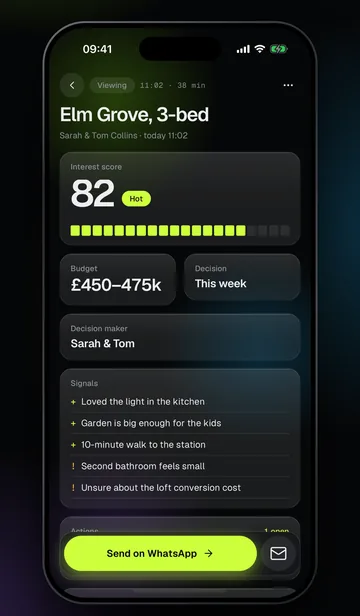
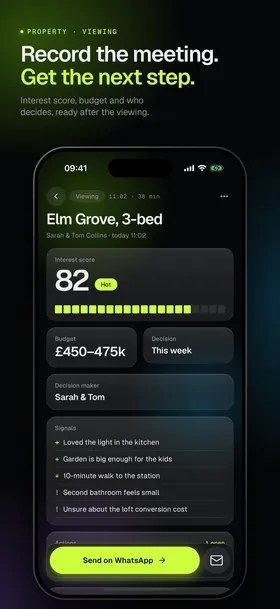
Property viewing, sales visit, site meeting or conference: each recording is analysed for the work it belongs to.
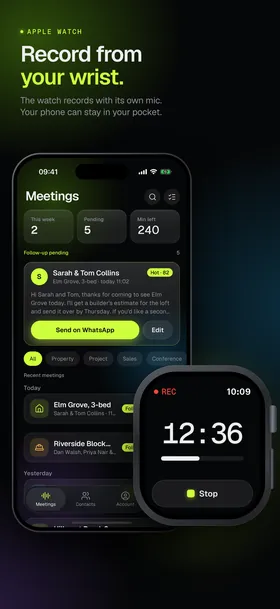
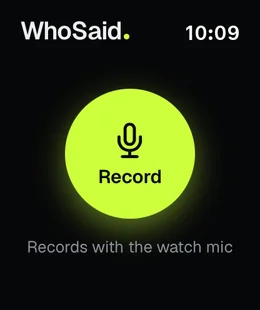
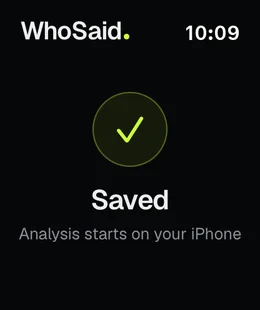
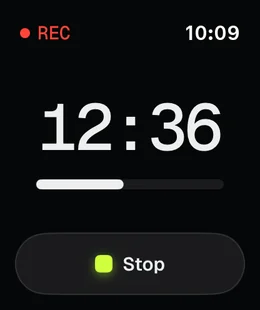
It records with its own mic, so your phone can stay in your pocket. When you stop, the recording moves to your phone and is analysed automatically.
From recording to summary, everything in one app.
Record a meeting, a call, or a voice note instantly. It runs in the background — even if a phone call comes in, your recording resumes where it left off.
Conversations are transcribed with high accuracy. Search, copy, and share — no more taking notes word by word.
Who said what? On the Business plan WhoSaid separates the speakers and you name them after the analysis, so the transcript is organized by person.
Turn a long meeting into a clear summary: the decisions, who does what by when, and what to remember.
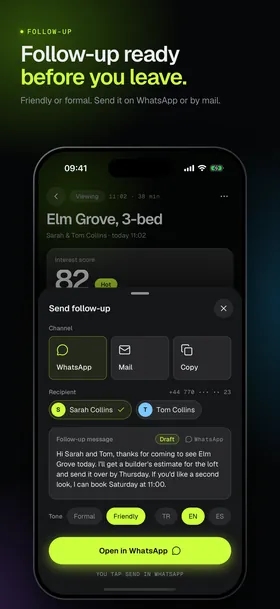
In a friendly or a formal tone, in English, Turkish or Spanish. Send it on WhatsApp or by email; you tap send yourself.
Audio is processed only to transcribe and analyse it, deleted shortly after and never used to train models. Delete your data from the app any time.
Pick your profession in the app; the result screen and the follow-up adapt to it.
As soon as the viewing ends: interest score, budget, who else decides, what they liked and what held them back. The follow-up is ready for WhatsApp.
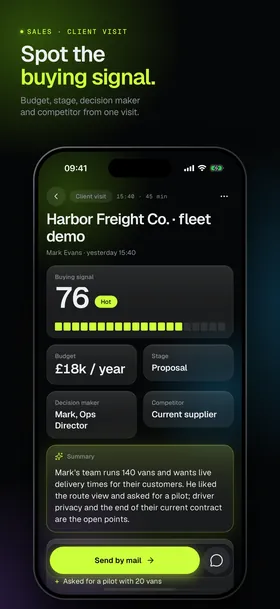
For estate agents →Buying signal, deal stage, decision maker, competitor, needs and objections. Head back to the office without writing a visit report.
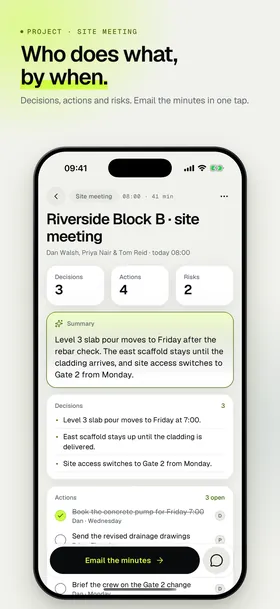
Decisions, who does what by when, risks and open issues. Email the minutes in one tap.
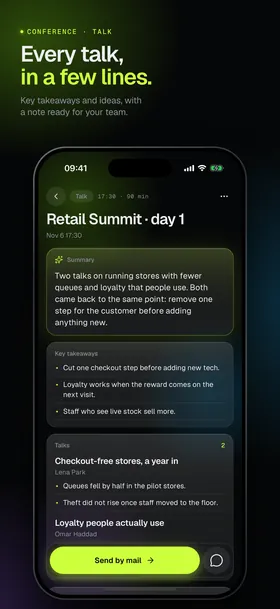
Record the talks you listen to and get each talk's main points, the key takeaways and a note ready for your team.
Record team meetings so decisions, action items, and owners are ready in the summary. People who missed it just read the recap.
Start a one-on-one from your wrist and keep the phone in your pocket. When you stop, it moves to your phone and is analysed automatically.
Apple Watch recording →Open the app and start recording. Keep using your phone throughout the meeting.
As soon as the recording ends, WhoSaid transcribes the conversation and analyses it for your line of work.
Get the AI summary and to-do list, and share it with your team in seconds.
WhoSaid integrates with LeadKat, the AI-powered B2B sales intelligence platform.
Record your client call with WhoSaid; the transcript, summary, and requests come out automatically.
Push the call data to LeadKat in one tap and feed your sales team's lead pipeline.
WhoSaid and LeadKat are products built under DeğerKat.
Stop taking notes and focus on your client. The summary, the actions and the follow-up will be waiting for you.
Download on theApp Store